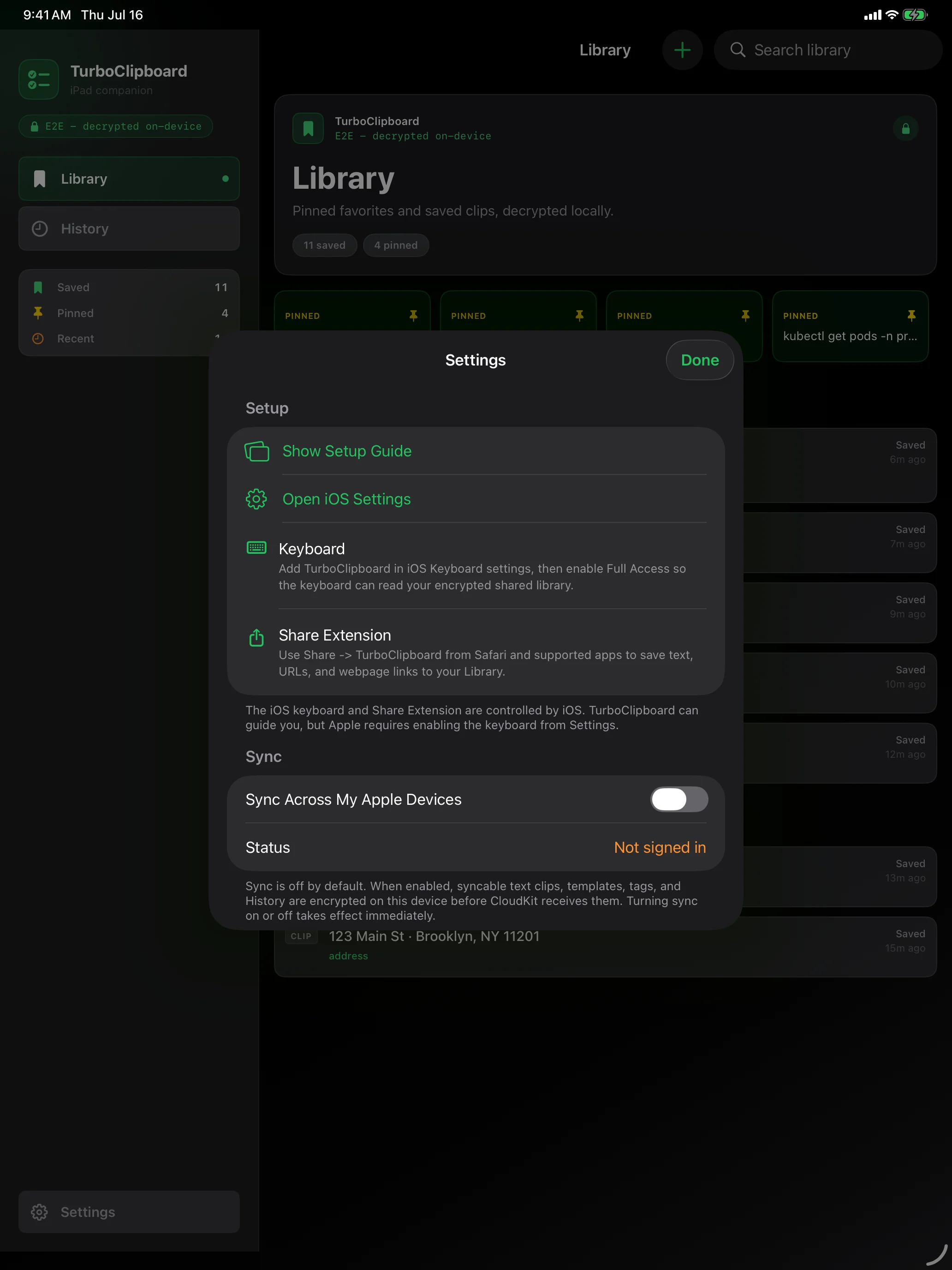
Sync Where do I turn on iCloud sync? v
Mac: Settings → Sync → “Sync Across My Apple Devices.” iPhone/iPad: Settings → Sync. Do it on every device on the same Apple Account, with iCloud Keychain and iCloud Drive enabled.
Keyboard The iOS keyboard says Full Access is needed v
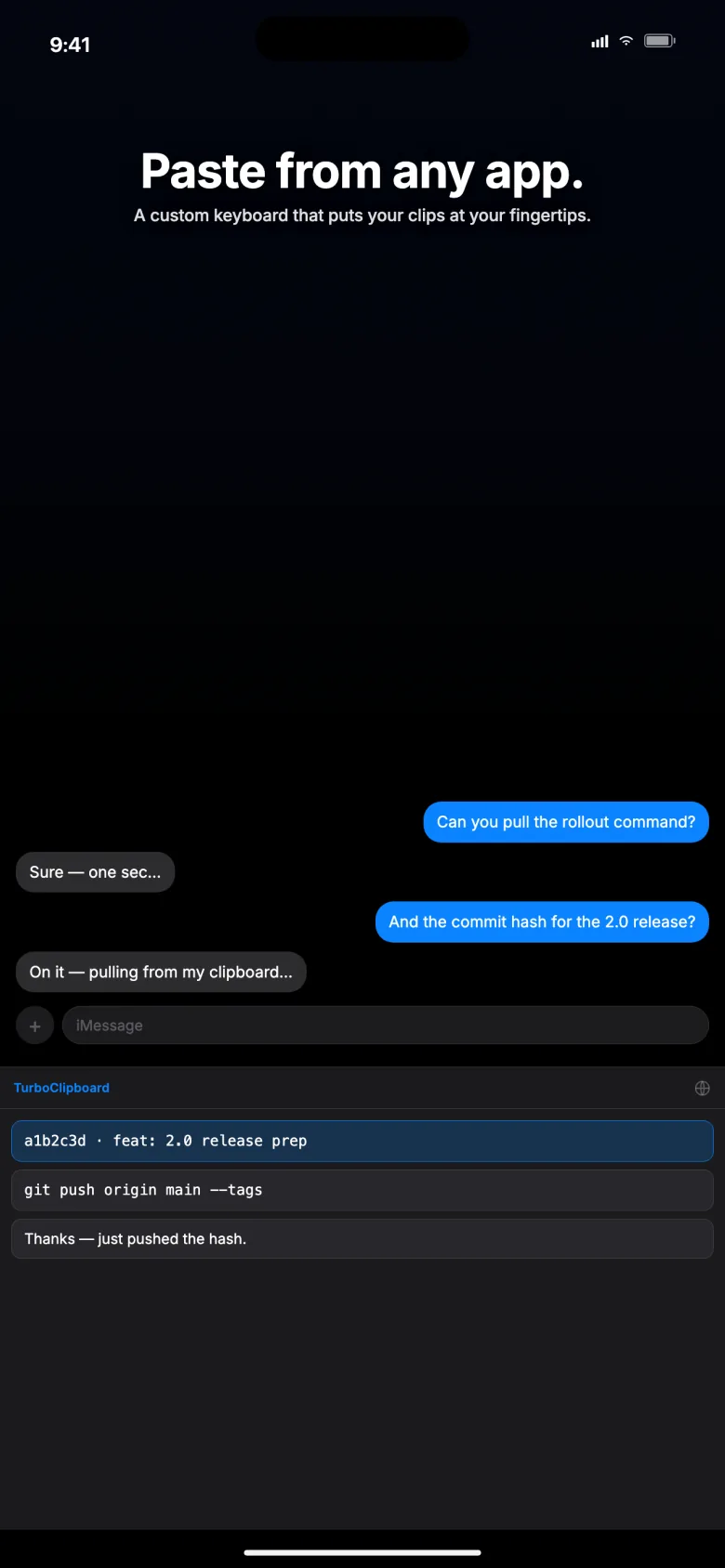
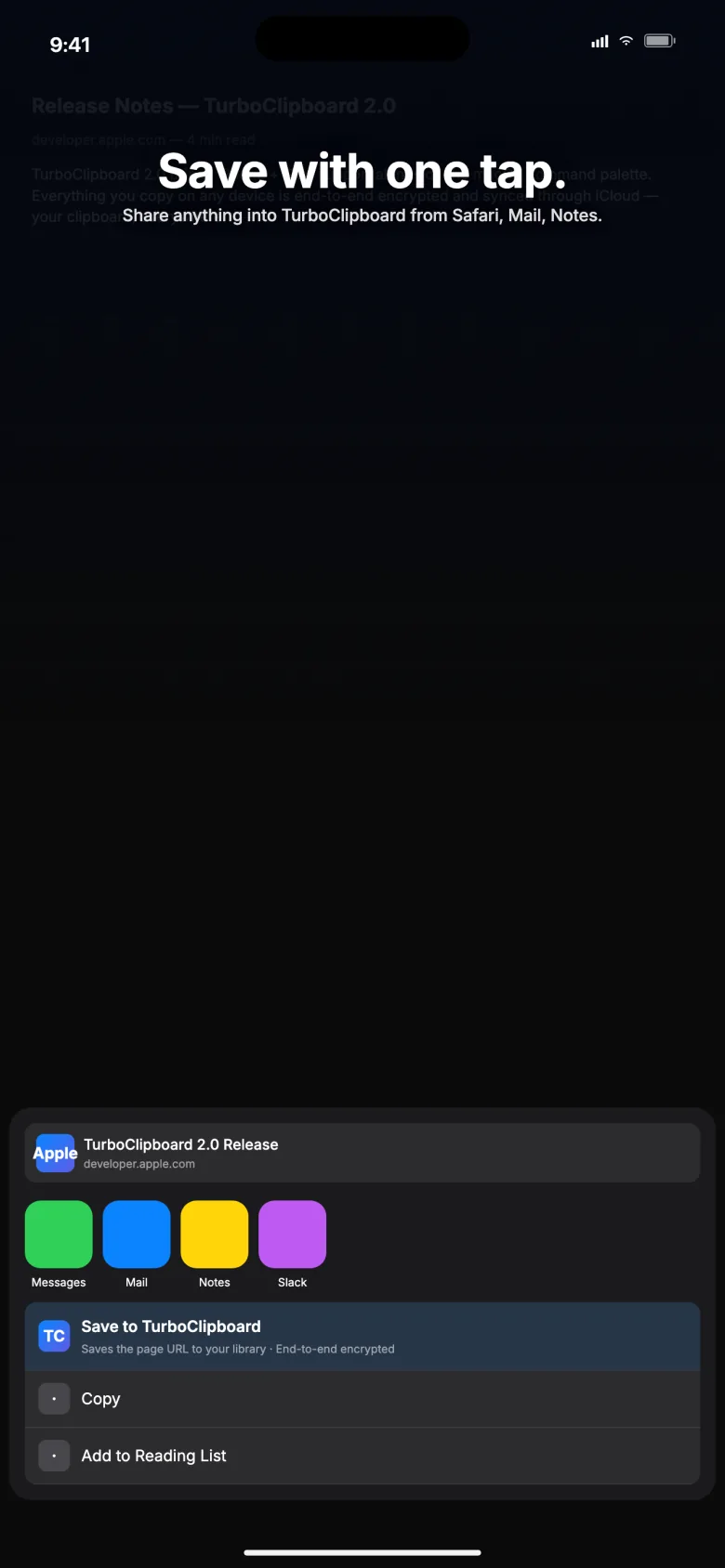
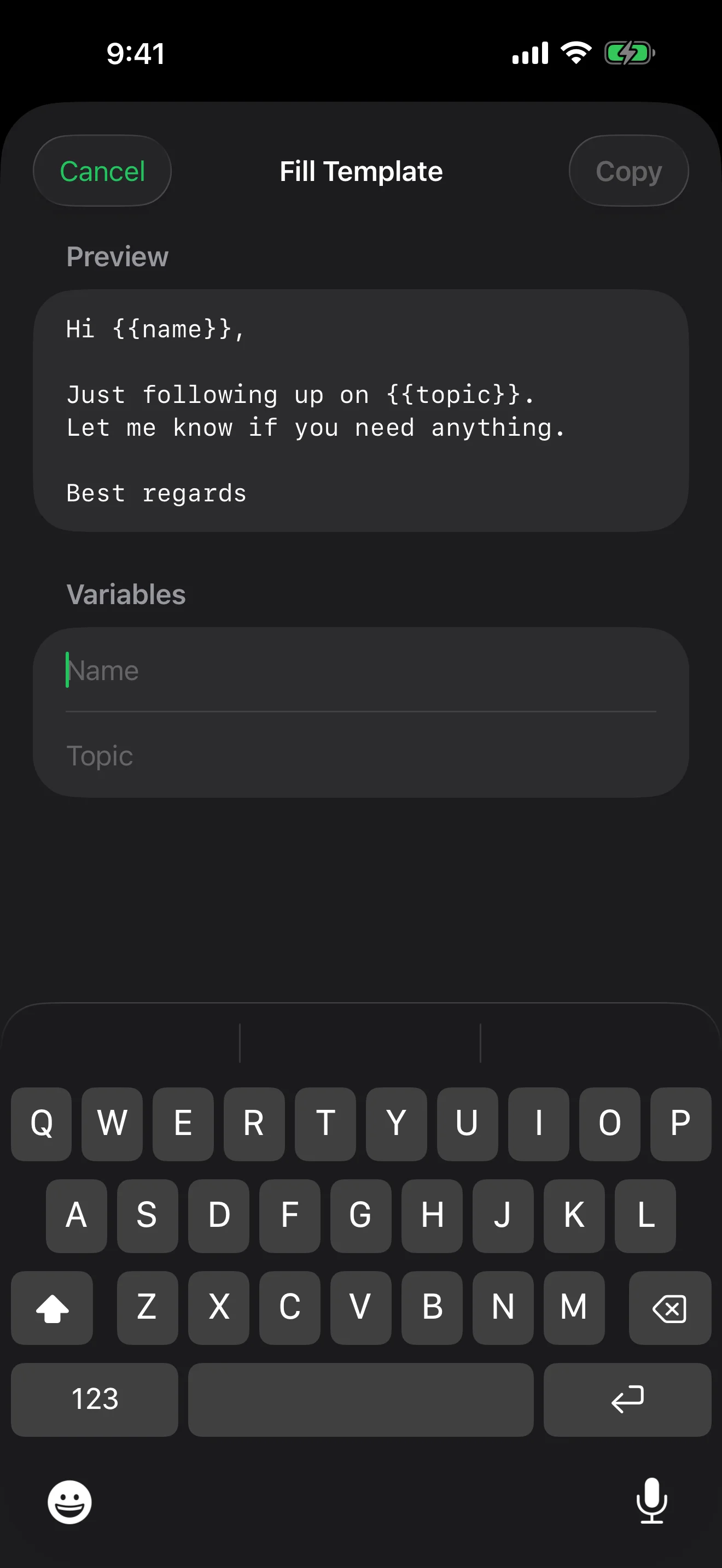
Enable Full Access for the TurboClipboard Keyboard in Apple Settings. It lets the keyboard open your library so it can show your clips and save new ones; nothing is sent to Epistates, and keystrokes are never logged.
Keyboard The keyboard’s Clipboard button is greyed out v
That means iOS reports nothing copyable on the clipboard right now. Copy some text, then switch back — TurboClipboard checks only whether text exists, never what it says, until you tap.
Keyboard iOS asked “Allow Paste?” in the keyboard v
That is the system paste prompt, and it appears only when you tap Clipboard. TurboClipboard never reads your clipboard on its own — not when the keyboard opens, and not while you type. Saving your Selection instead needs no prompt at all.
Local-only A copied image is not on another device v
Images stay on the capturing Mac by default. Open the image’s row menu, allow sync, and confirm the storage warning. The other device must support synced image rows.
Open A one-time code disappeared from History v
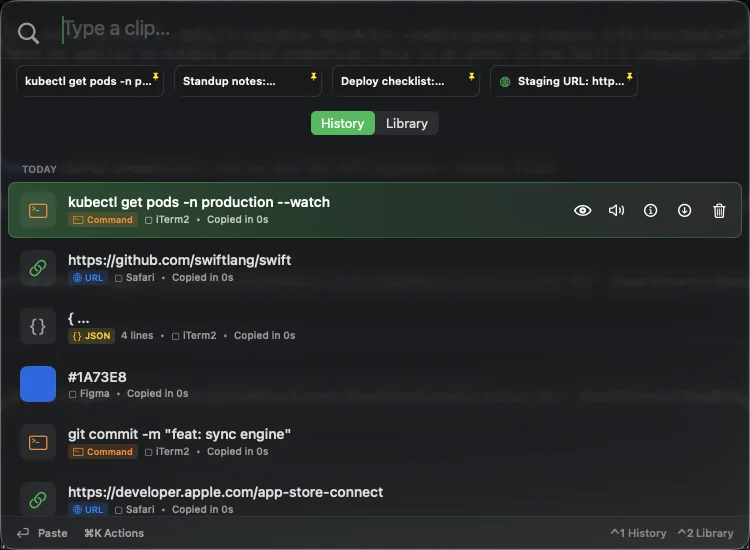
That is sensitive-clip protection. Codes and secrets can auto-expire (30s for codes, 60s for secrets) if you enabled it in Settings → Privacy & Security, and they never sync.
Open Return copies instead of pasting (or vice versa) v
Check Settings → Pasting → Primary Action. Option-Return always runs whichever action is not primary.
Sync Sync is slow on first setup v
Confirm the same Apple Account, iCloud Keychain, and iCloud Drive. Open the app on each device and give CloudKit time to deliver the rows and shared key.
Sync Sync reports an authentication failure v
Confirm iCloud Keychain is healthy and reopen the app. Reset Sync is a last resort — it erases your synced data, local history, and the encryption key, so every device starts fresh.
Privacy A secret was not saved v
Auto-Exclude Detected Secrets is on by default for Mac capture and the iOS Share Extension. Turn it off in Settings only if you deliberately want secrets in history.
Open The palette shows up in a screen recording v
It should not — the palette window is excluded from recordings and shares by default. Confirm you are on the current version.