TurboClipboard Press Kit
Everything you need to write about TurboClipboard. Copy anything here freely. For a review promo code, a specific asset, or an interview, email contact@epistates.com.
At a glance
App
TurboClipboard
Developer
Epistates, Inc.
Price
$9.99 one-time (US)
Model
Universal Purchase · Family Sharing · no subscription
Platforms
macOS 26 · iOS/iPadOS 26.4
Category
Productivity
Contact
contact@epistates.com
Boilerplate descriptions
One-liner
TurboClipboard is a private, keyboard-first clipboard manager for Mac, iPhone, and iPad — one-time price, no subscription.
Short (≈50 words)
TurboClipboard is a keyboard-first clipboard manager for Mac, iPhone, and iPad. A search palette opens over any app; hit Return to paste straight back into it. Optional iCloud sync is client-side encrypted, images and files stay on-device by default, and transform pipelines, semantic search, and AI rewrites run locally. $9.99 one-time, no subscription.
Long
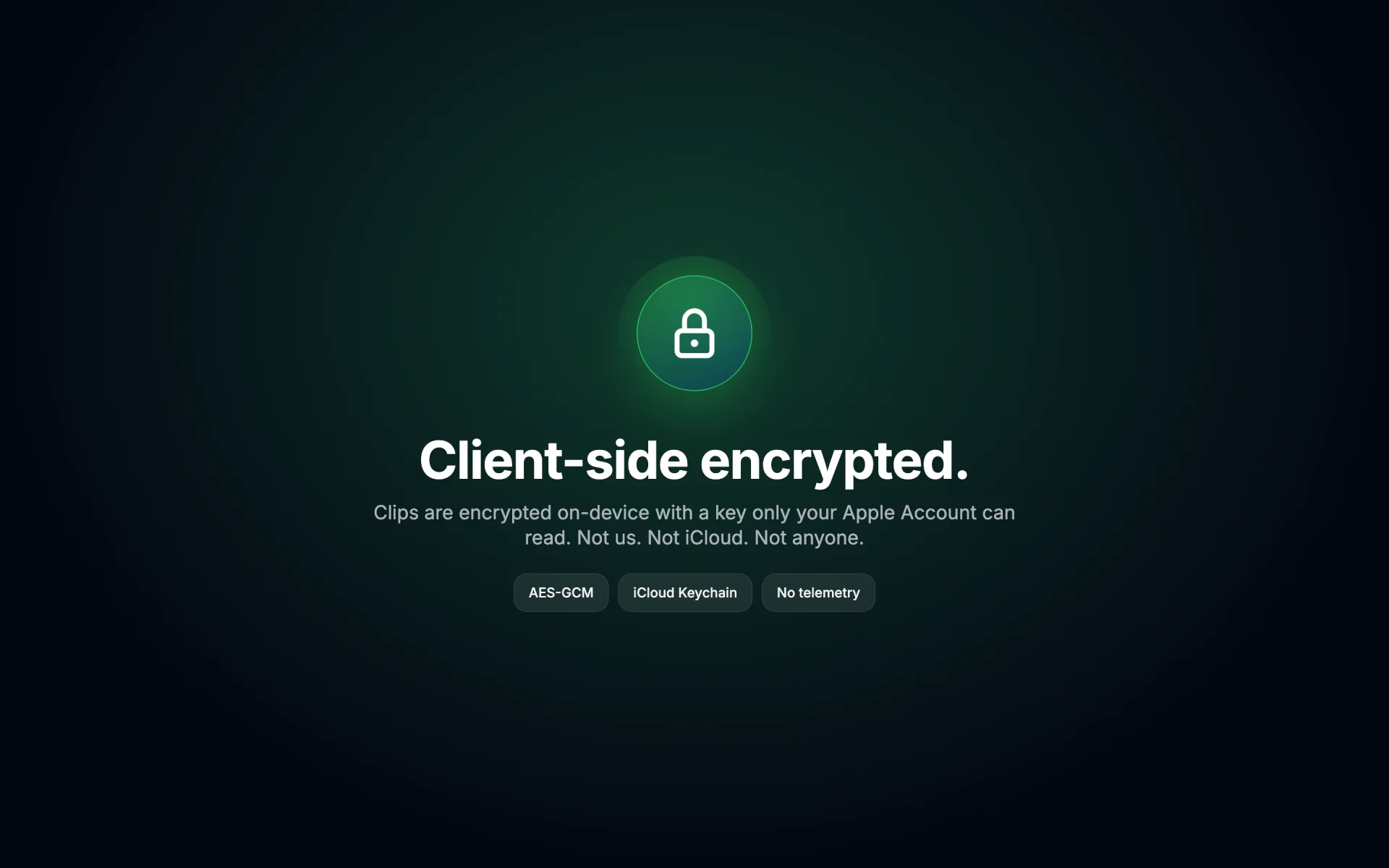
TurboClipboard is a private, keyboard-first clipboard manager for Mac, iPhone, and iPad. Press a hotkey and a searchable palette opens over whatever you are working in — type a fragment, hit Return, and the clip is pasted straight back into the app you came from. It keeps a searchable history, a saved Library with tags, pins, and smart folders, reusable templates with variables, and text-transform pipelines. Sensitive clips (one-time codes, API keys, password-manager copies) are detected on-device, concealed until you hover, and never synced. Optional iCloud sync is client-side AES-GCM encrypted before it reaches CloudKit, with the key held in the user’s iCloud Keychain — Epistates runs no server and cannot read clips. Images and file references stay on the Mac by default. On iPhone and iPad, a custom keyboard both saves and pastes: one tap keeps whatever is on the clipboard, or the text selected in the field, without leaving the current app — iOS permits no app to monitor the clipboard in the background, so most clipboard managers on iPhone are paste-only. On-device intelligence — semantic search, summaries, and Apple Intelligence rewrites — runs locally with no third-party AI. There is no account, no telemetry, and no ads. One $9.99 Universal Purchase covers all three platforms, with Family Sharing enabled.
Why it's notable
One-time price
$9.99, no subscription, no in-app purchases — a deliberate contrast with subscription-based clipboard tools.
Private by design
Client-side encrypted sync, on-device sensitive-clip detection, and device-only images. No account, no telemetry, no third-party AI.
Keyboard-first
A command palette over any app; direct paste back into the previous app; hold-⌘ quick paste 1–9.
A keyboard that saves
On iPhone and iPad, the custom keyboard captures as well as pastes — one tap saves the clipboard or the selected text, in any app. iOS allows no background clipboard monitoring, so most iPhone clipboard managers are paste-only.
On-device intelligence
Transform pipelines, semantic search, and Apple Intelligence summaries/rewrites run locally.
Screenshots & icon
Right-click any image to save. Full screenshot sets for each platform are on the macOS and iPhone + iPad pages.
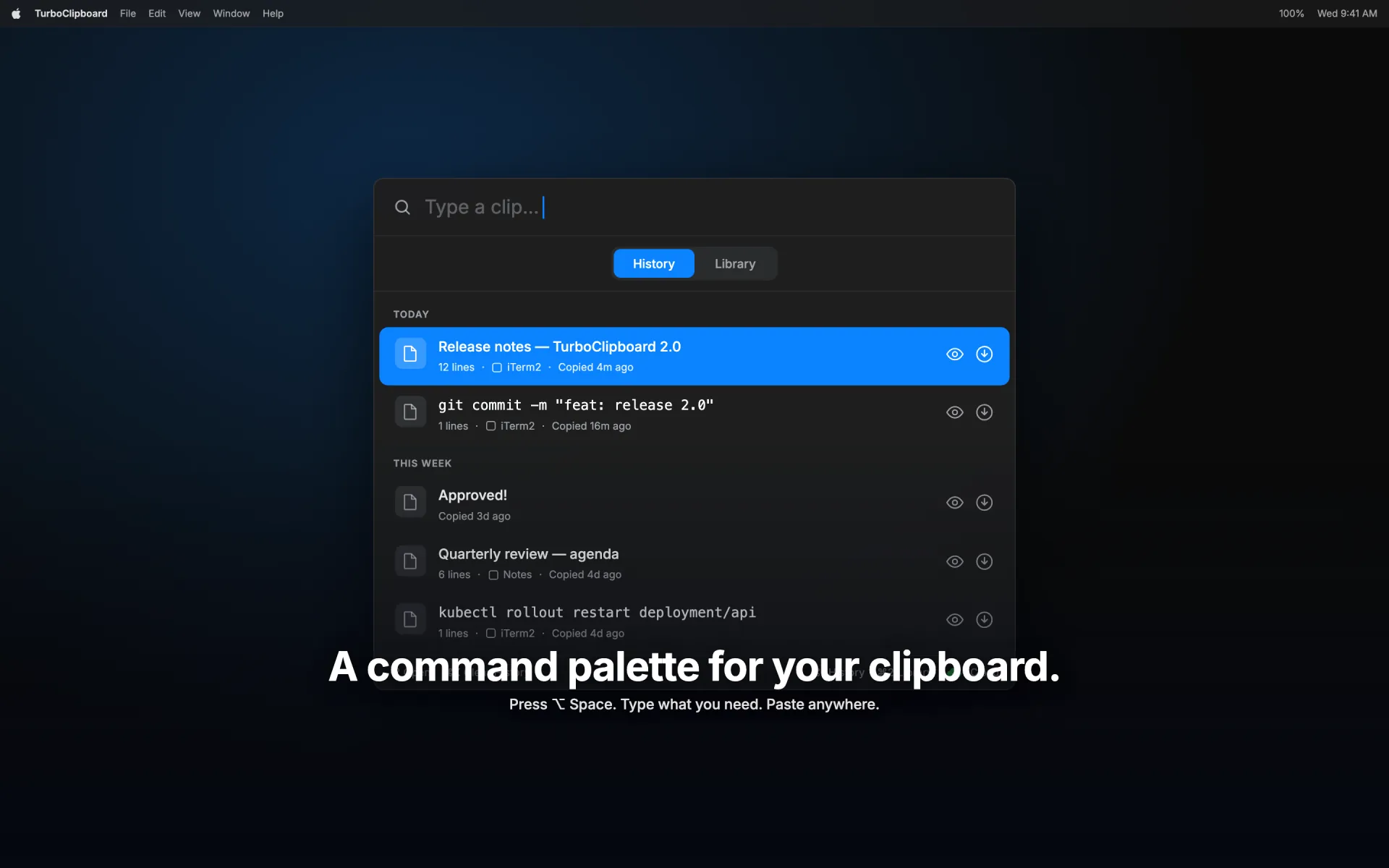
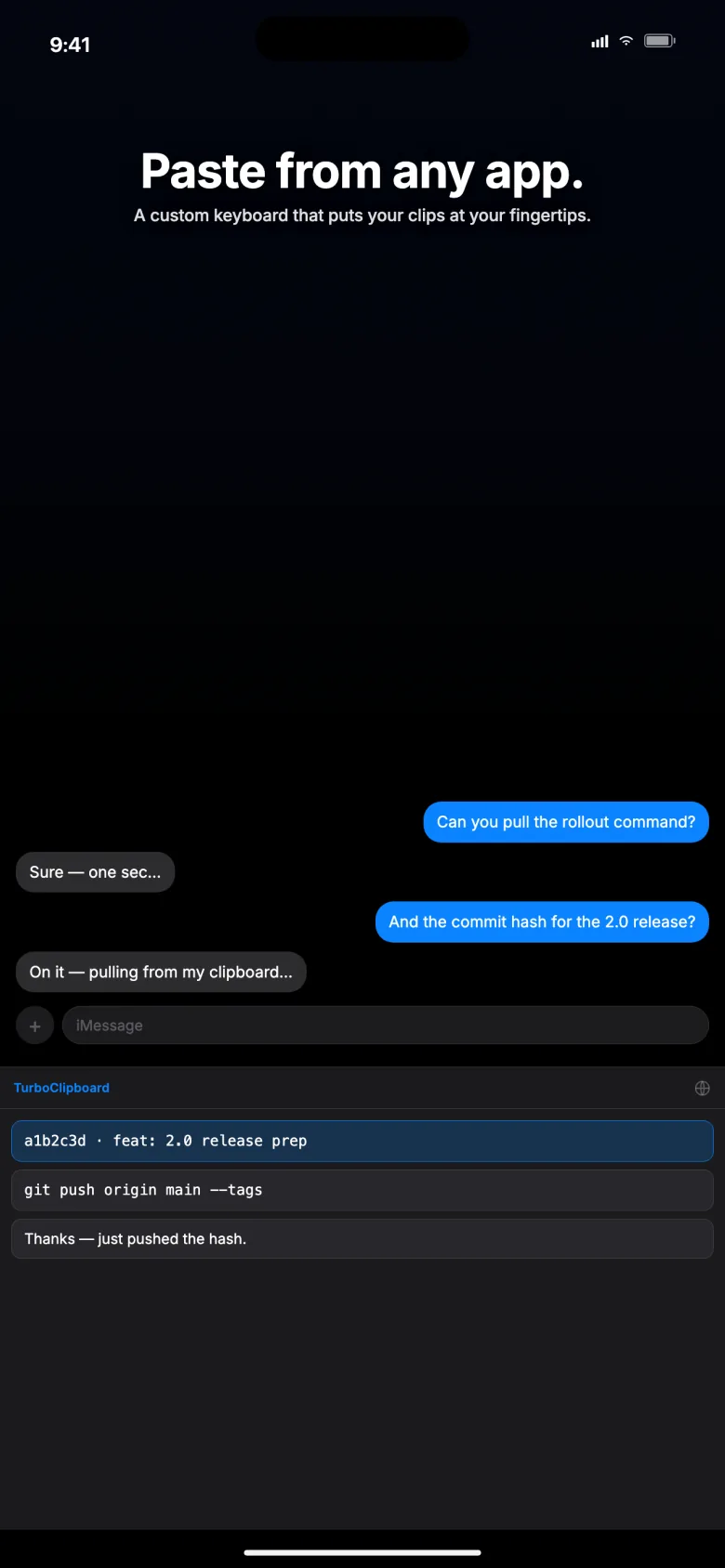
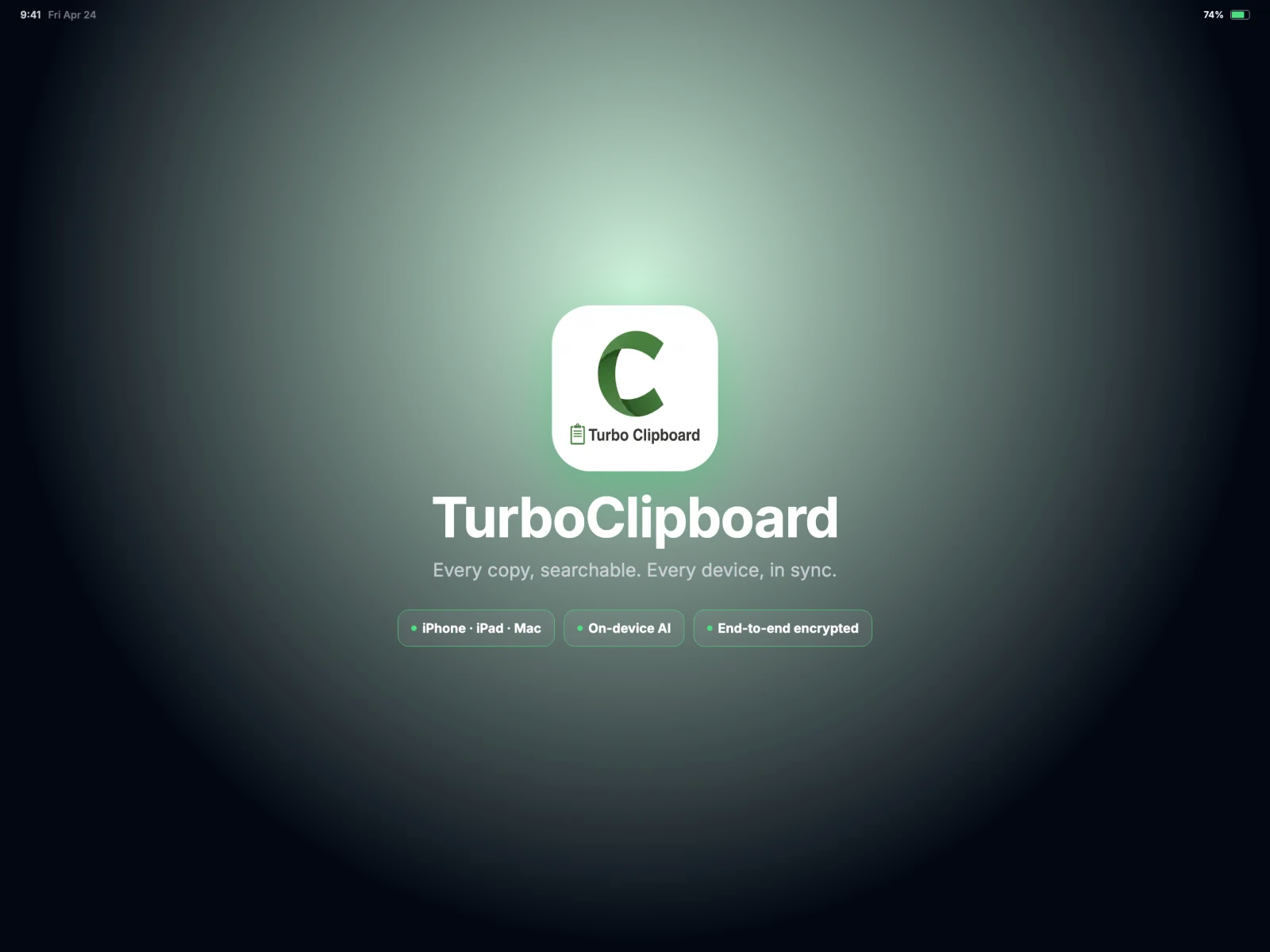
 App icon (WebP)
 Privacy, for the record
TurboClipboard has no backend and no analytics. Optional iCloud sync uses the user's private CloudKit database, with clip contents AES-GCM encrypted on-device before upload; the key lives in the user's iCloud Keychain. CloudKit sees an identifier, timestamps, and an "has image" flag — not clip text. Images and file references stay on the Mac by default. App Privacy nutrition label: no data collected. See the Privacy Policy.